Showing posts with label ios7. Show all posts

Monday, September 30, 2013

Is iOS 7 Making You Feel Sick?

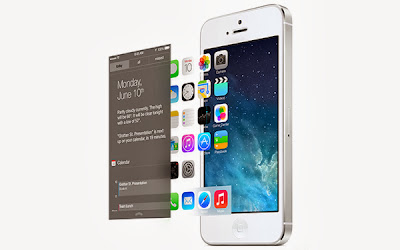
If you have used iOS7, you will discover that even if the flat design style, the new UI won't give a person the sense of crude, because the Apple add a lot of dynamic transition effects. However, recently some iPhone users in the Apple forum complaint that too much dynamic effects on iOS7 let them feel sick. He said that when he is reading, the iOS7 screen is just like reading in the car. After that, some other followers agree with that opinion.


1. Is iOS7 making you feel sick?

The Apple iOS7 is the significative change in the iOS system style. Therefore, it will result in different response of different people. Of course, there is no influence of using iOS7 in the taste of styles. Even though the users who dislike iOS7, they will adjust it gradually, because of in most cases, we won't spend too much time on the system itself. However, the other problem that iOS7 style change brings is not the slow adaptation. It is some iPhone users react that iOS7 let them feel nausea and dizzy.

2. Can we close the motion functions?

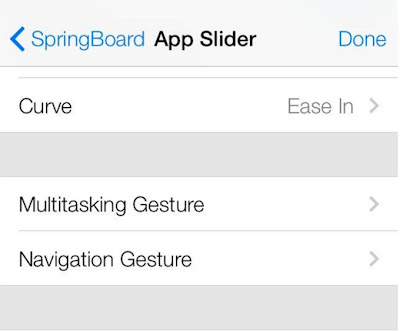
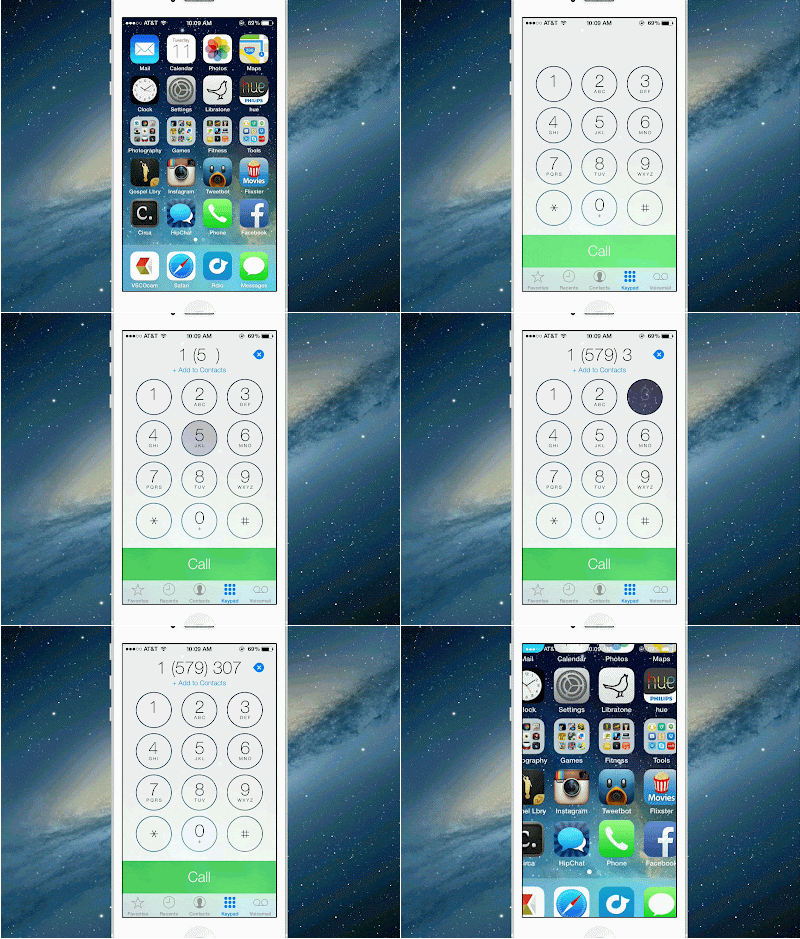
In the iOS7 secondary function, Apple offers the option of reducing the effect of dynamic; it is able to close the effect of hovered icon by making use of optical illusion. But when they click to enter or exit applications, the desktop icons move fast, blow up to inside and narrow the effect. But these functions can't be closed.


3. Opinions of professors

For some iPhone user, that is really a big problem. About this, some professors suggest that they had better take a rest usually; also the eyes don't stay closely to the screen, or don't use the device. Certainly, for those rely on mobile device too much, the last suggestion seems not suit for them.

4. Opinions of science and technology writers

Some science and technology writers doubt that whether Apple ignores people who have difficulty in vision and sense of balance. If Apple really wants to take care of those users that have physical illness, they have to know the problems that those functions bring and spend more time listening to the response of their user and let these functions more useful.

5. Opinions of application developers

Some application developers think that if Apple is able to provide options for their users to stop the animation, then that will be a good thing. Besides, the application users should consider different users and then design their UI according to this. They should allow their users to close the upsetting things, but the animation is sure to have and it is not just for the decoration. Apple should provide this option on a system level.

6. Opinion of me:

I think it is normal for the iOS7 users to fell sick when they are using it. Sometimes it is not only on the using of iOS7, but also when you are playing games. But if the Apple do not afford an option for you to close them and you still want to use it, you can try to close your eyes and then wait for a moment. When you feel better, continue to use it. Otherwise, you have to adjust it.

By the way, if you lost your iPhone data after you updating your iPhone to iOS7, you can use an iPhone data recovery tool to recover the data. If you need to recover your data from iPhone backup file, then it is quite helpful. Last but not least, if you forgot iPhone backup password (http://www.recoverlostpassword.com) on iTunes, you can use the iTunes backup password recovery tool to recover iTunes backup password. Good luck!

Friday, July 26, 2013

Top 15 Changes You Need to Know About iOS7 Beta Version

You must not strange with the Apple iOS7, now there are lots of discussions about it. For most of the Apple users, the release date of iOS7 will be autumn 2013 while Apple will release at least one new iPhone – the iPhone5S or iPhone6 or perhaps a new iPad. Now you can still download the iOS7 online, but it is only the beta version and also it is only the member of Apple' iOS Developer Program can do that. What does the beta version mean? It means that it is still have several bugs and need to improve. If you happen to be one of the persons who are interested in iOS7, you can see the top 15 changed about iOS7 beta version in this article.


1 - The better draw back experience. You can slide the screen to replace the button draw back function.


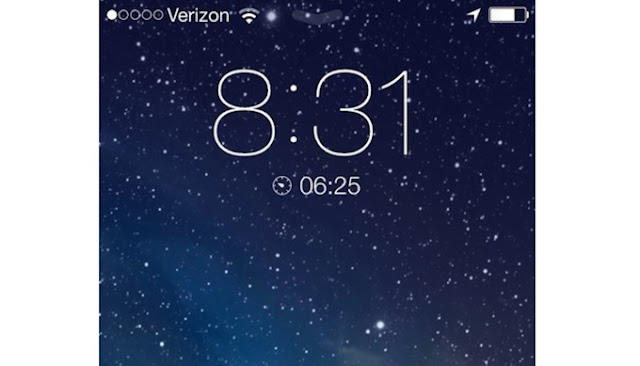
2- After setting the clock, the countdown will appear in the lock screen. When you select to sneak in a nap, the left time is able to be shown as well.


3- The App Store has the function of Favorites. If you still hesitate about whether to buy the apps or not, you can collect them at first.


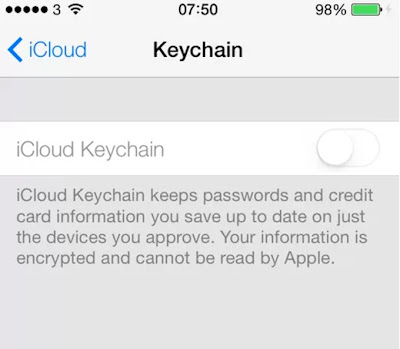
4- If you are worry about forgetting the password, you can use the iCloud Keychain to storage it and the credit card information. The iCloud Keychain will synchronize them to all your iOS devices.


5- Add the function of scanning QR code to the Passbook.


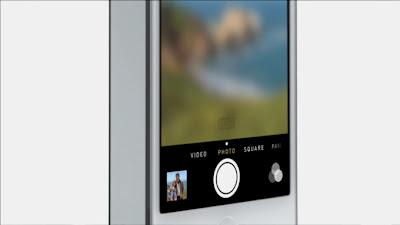
6- You can use the gesture to scale the video when you are shooting video.


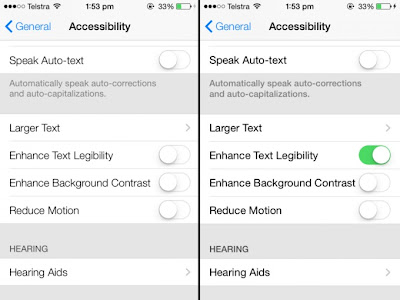
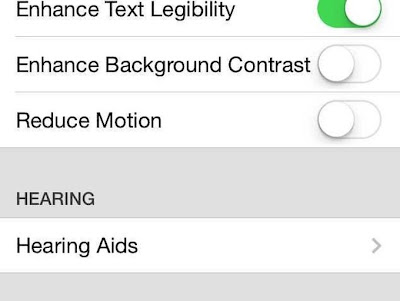
7- Add some assist function settings, such as to increase the legibility of a printed text.


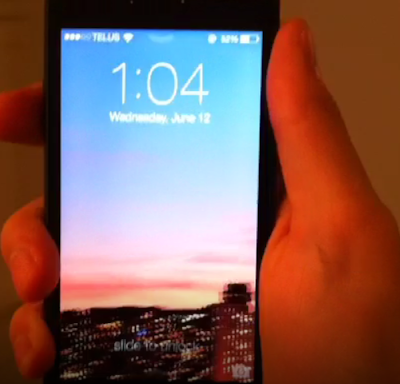
8- The wallpaper is able to move. If you set a panorama photo as your wallpaper, you can move your device to see the entire photo.


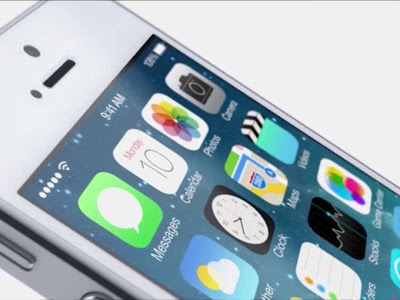
9- The icon of iOS7 will have tiny movement. But if you don't like the movement, you can turn it off in the auxiliary function.


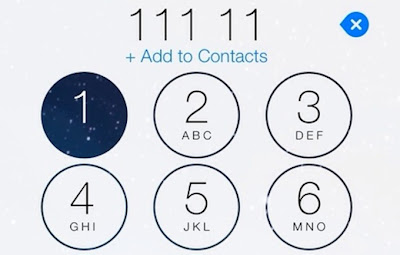
10- When you are dialing, just clicking the number button and you will see the background.


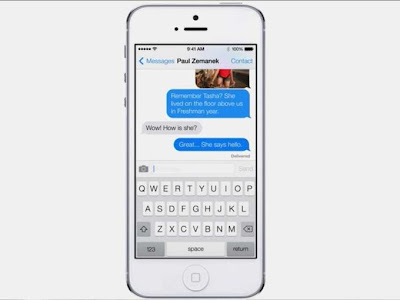
11- The message supports the link of "date" and "telephone number". For example, if you send the information "I like Apple very much", there will be an underline in the date, just click it and then you are able to add the calendar.


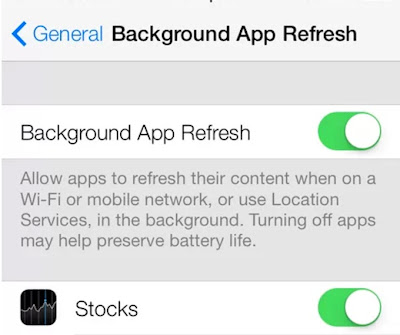
12- You run your apps when on a Wi-Fi or mobile network, or use Location Services, in the background.


13- Hide some built-in apps if you have some used less or useless apps.


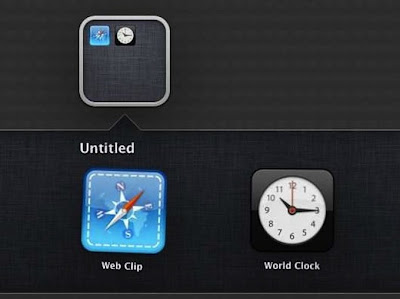
14- Build another folder in a folder.


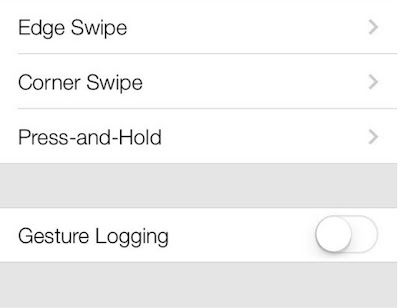
15- Some new gestures, such as squeeze to close a folder or slide from the corner of the screen.